What Actually Happens When You Press ^C?

The terminal driver, the line discipline, SIGINT, and the process group that receives your impatience.
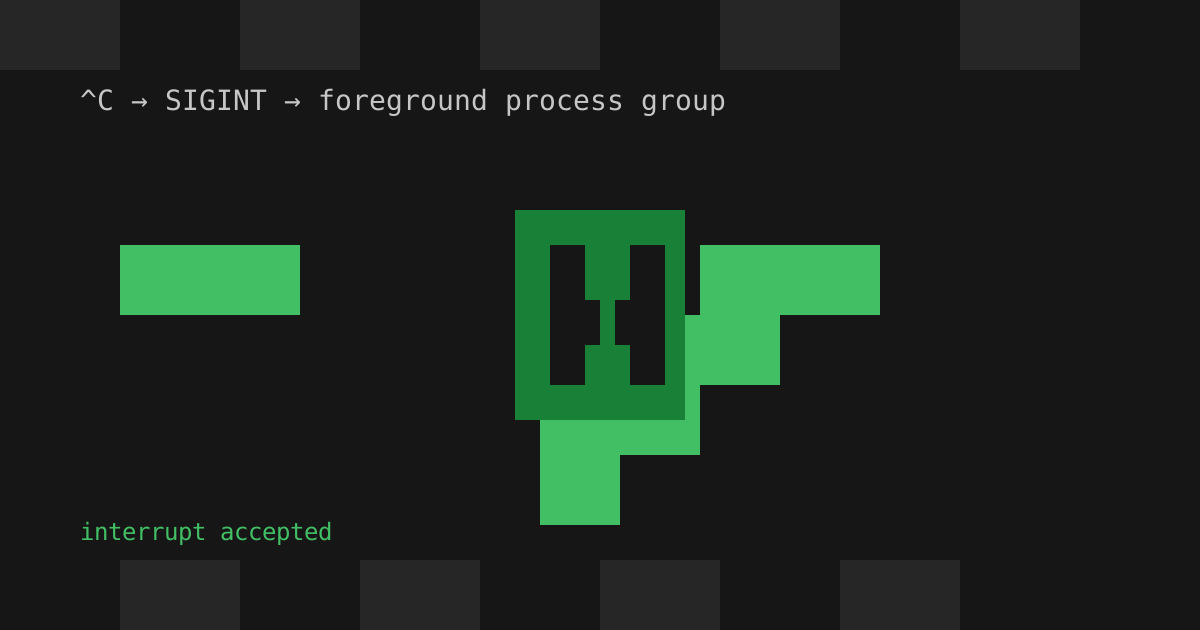
I was debugging an infinite loop and hit Ctrl+C. The process vanished immediately, which is the kind of everyday magic that deserves a closer look.
Ctrl+Cis not the shell killing a process. It is terminal input becoming a signal before the program sees the character.
The terminal line discipline in the kernel sees the interrupt character and sends SIGINT to the foreground process group. That distinction matters: a pipeline is several processes, and they should all receive the same signal.
The useful mental model
Your terminal is not a dumb pipe between keyboard and program. The line discipline transforms input before the foreground process reads it:
^CbecomesSIGINT.^ZbecomesSIGTSTP.- editing keys can be handled before they reach the program.
You can inspect the interrupt character on a Unix-like system:
$ stty -a | grep intrintr = ^CPrograms that switch a terminal into raw mode can take control themselves. That is why a full-screen program can decide what Ctrl+C means, and why the kernel is doing more for your terminal than it first appears.
The next time a stuck process exits on command, spare a thought for a very old subsystem quietly doing exactly what it was built to do.